
AI photography for spaces
One image.Infinite possibilities.
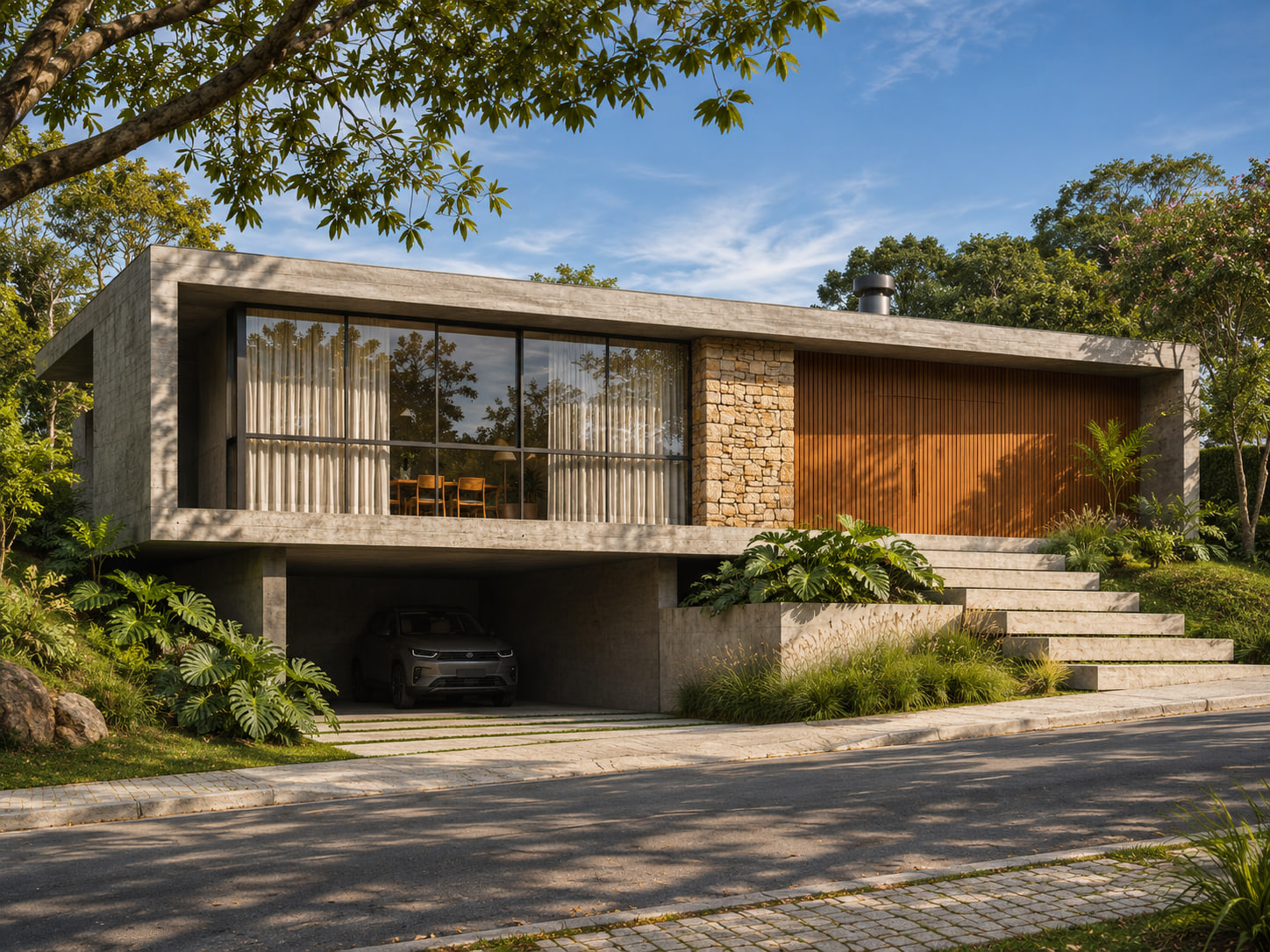
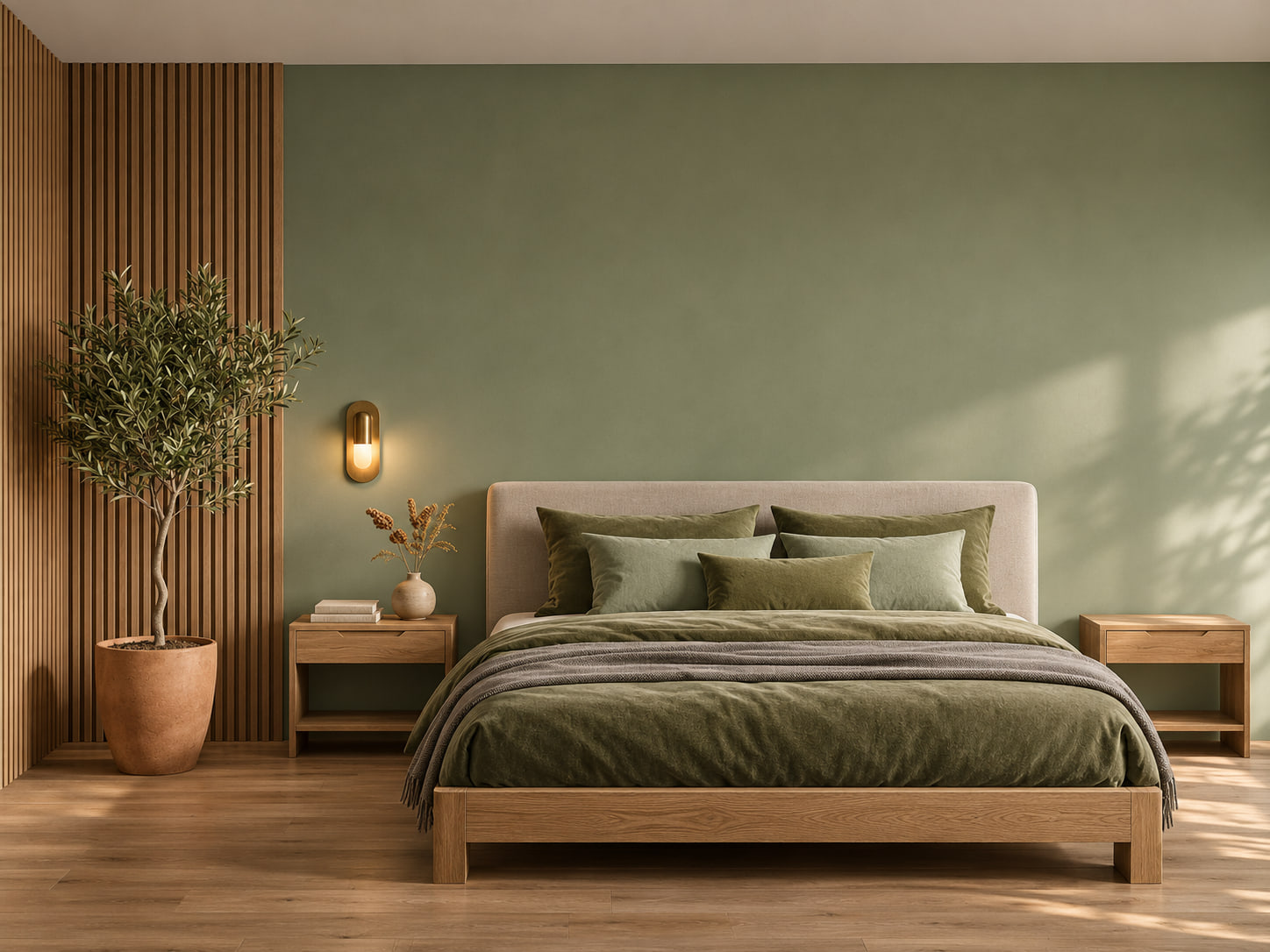
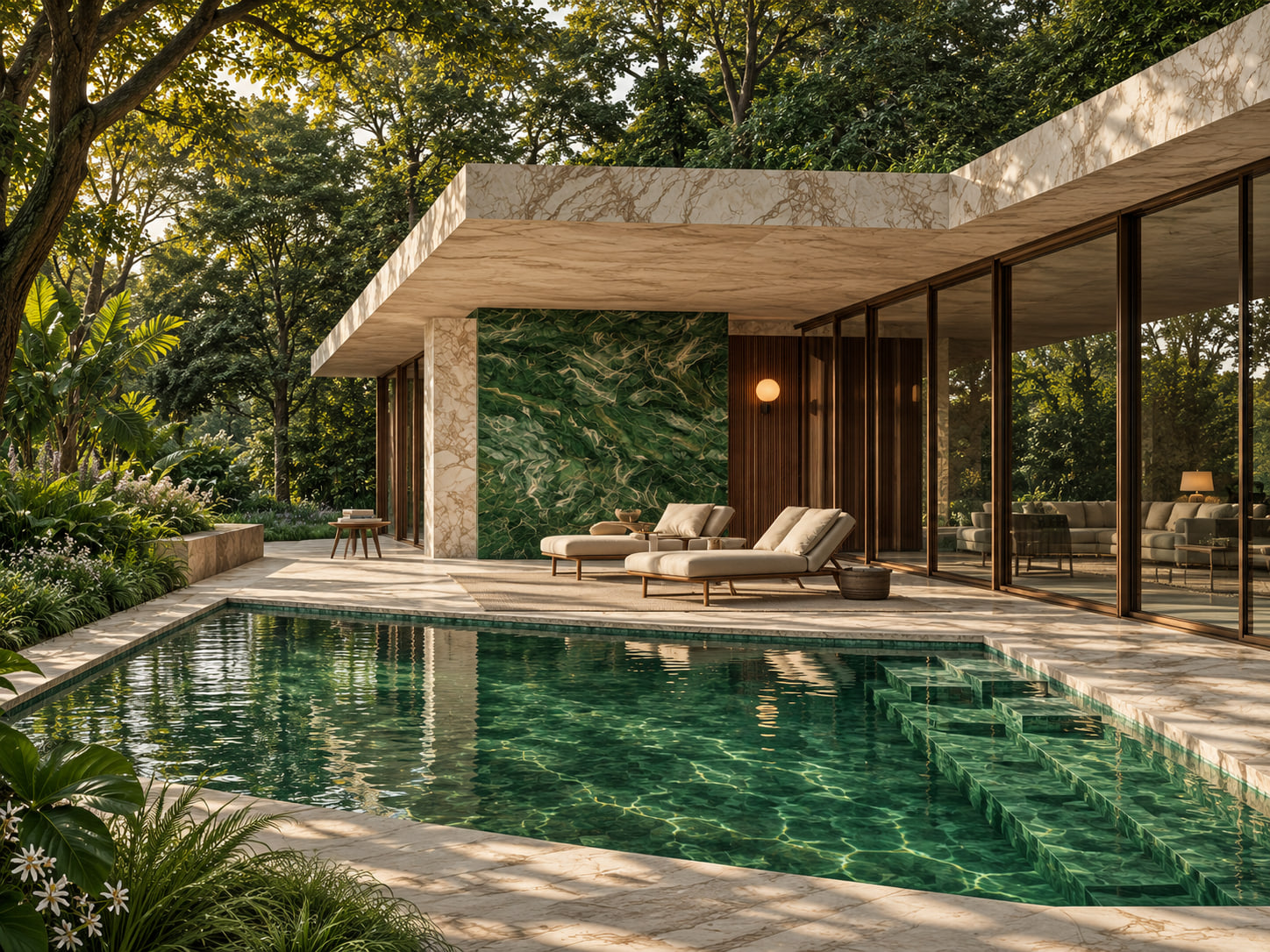
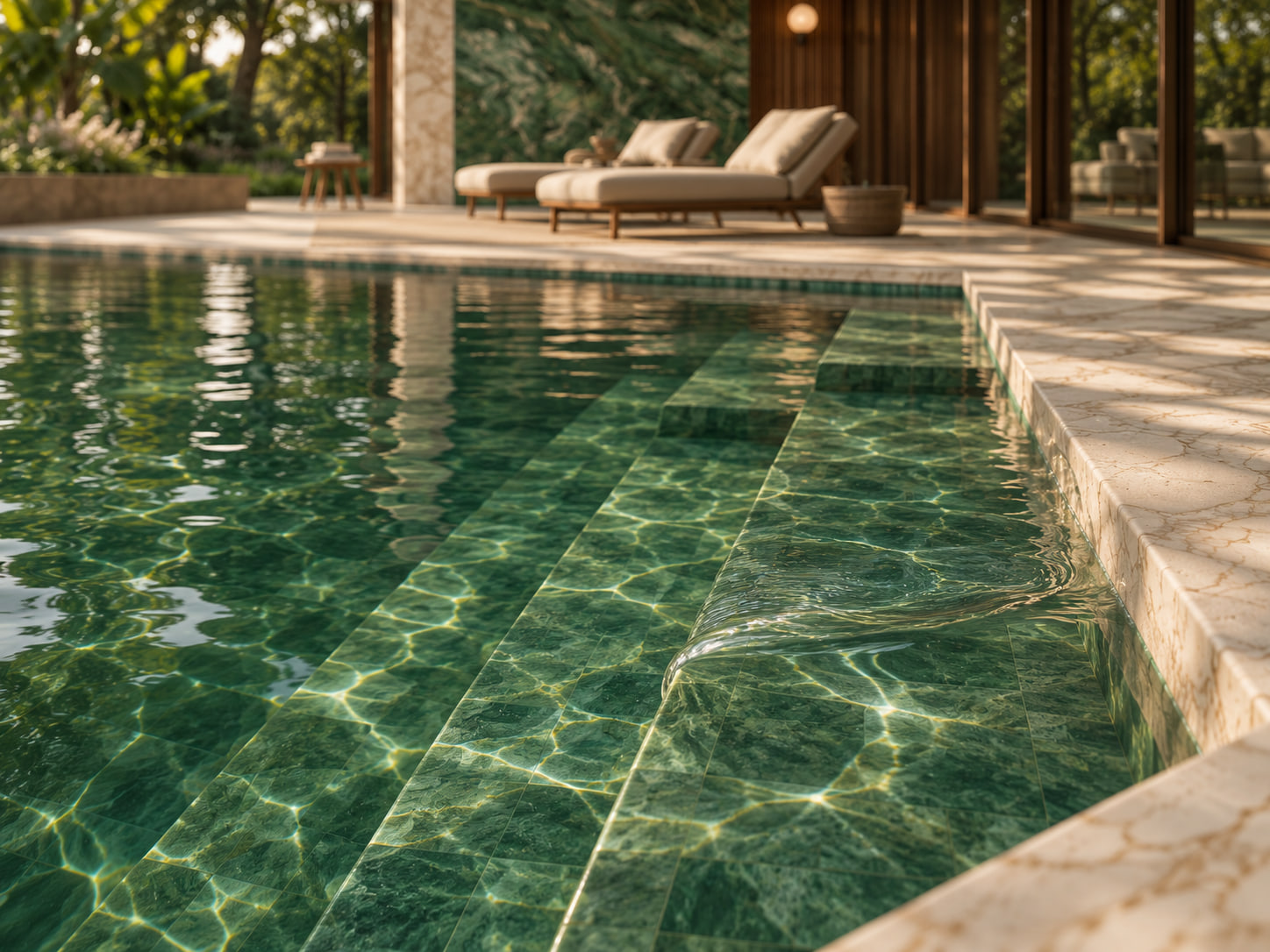
Upload a render or a photo of the space.Create new scenes of it, in 2K resolution.
Get Olie Frame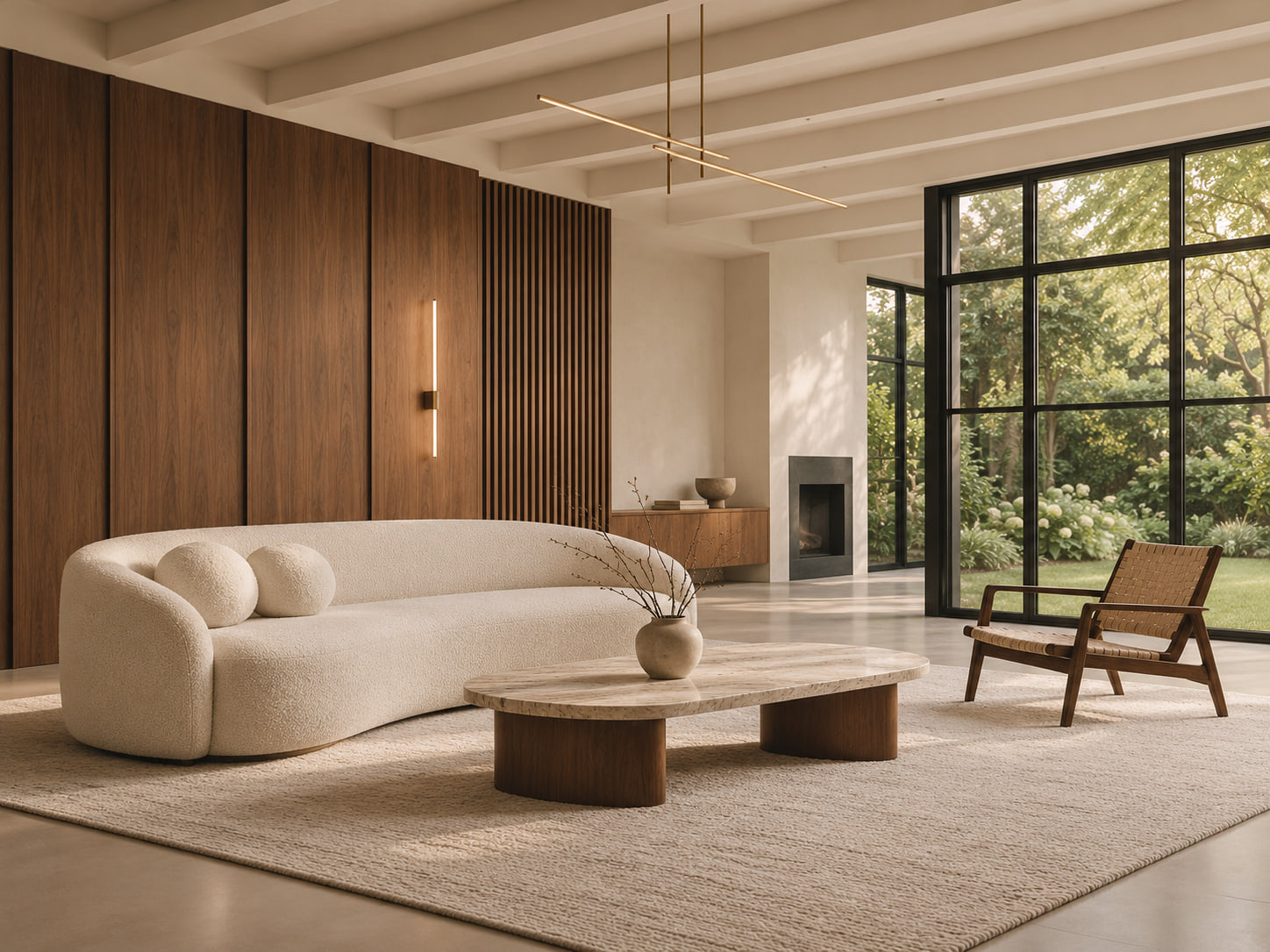

 Your image
AI photography for spaces
Upload a render or a photo of the space.Create new scenes of it, in 2K resolution.
Get Olie FrameYour image



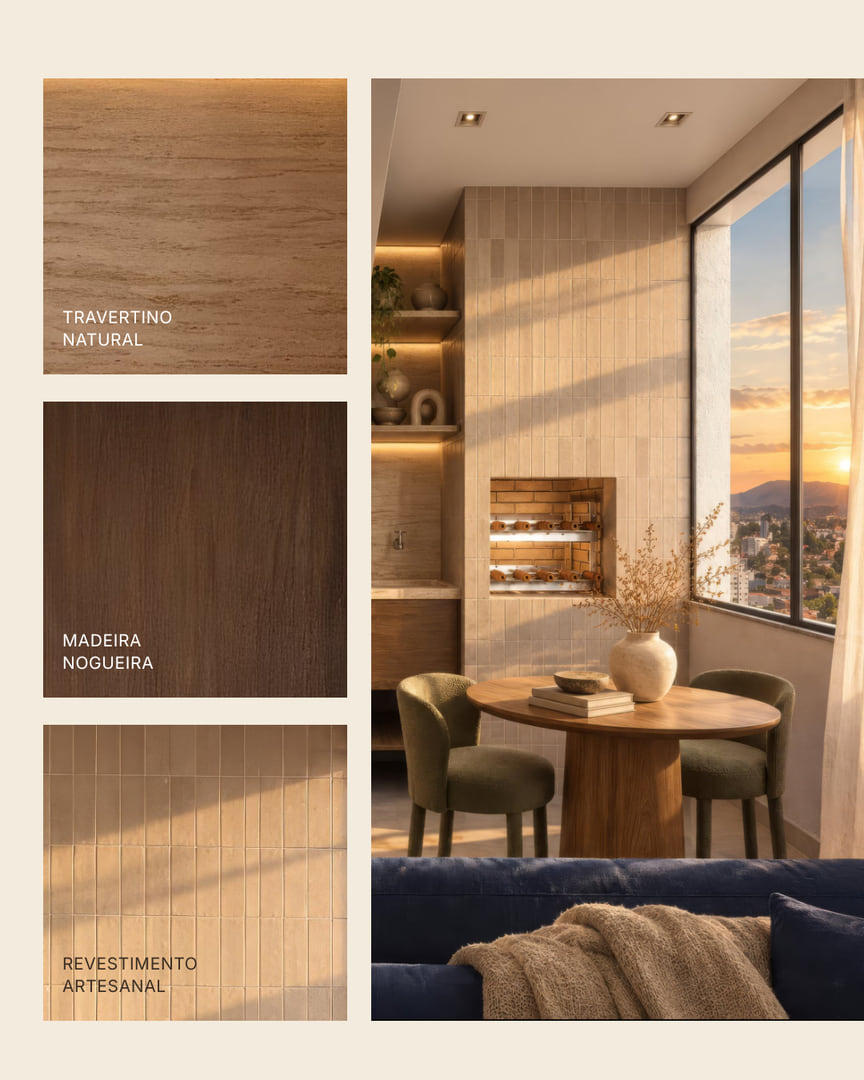



How it works
What you can ask for
Who it is for
Developer, store, hotel, designer or agency: whoever sells a space needs new images every week. With Olie Frame, each render or photo becomes a series of scenes for social media, ads and the website.
Testimonials
Pricing
No training and no setup fee. Create the account, upload the image and ask.
In every plan
Need more images? Talk to us
Blog
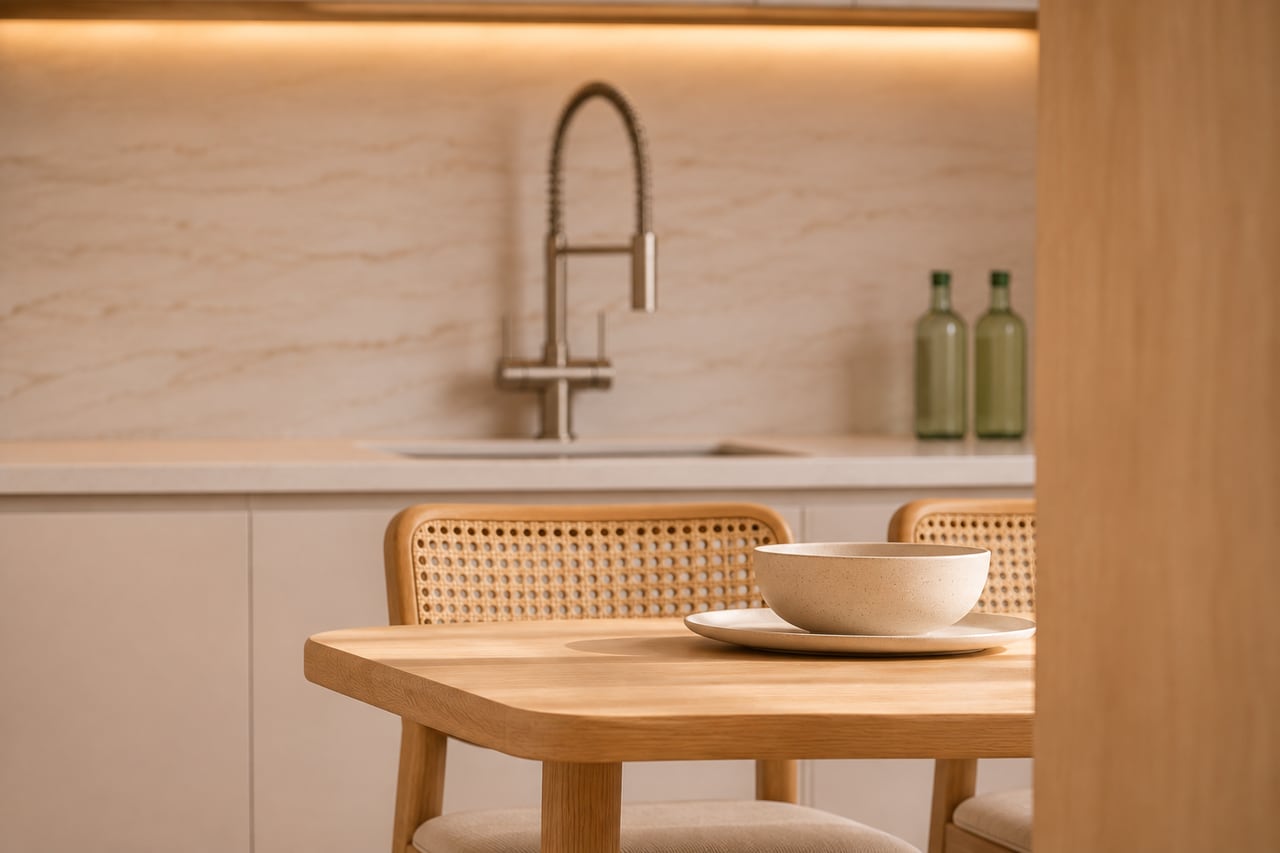
A launch gets half a dozen renders and has to post for years. Each one can become a whole series.
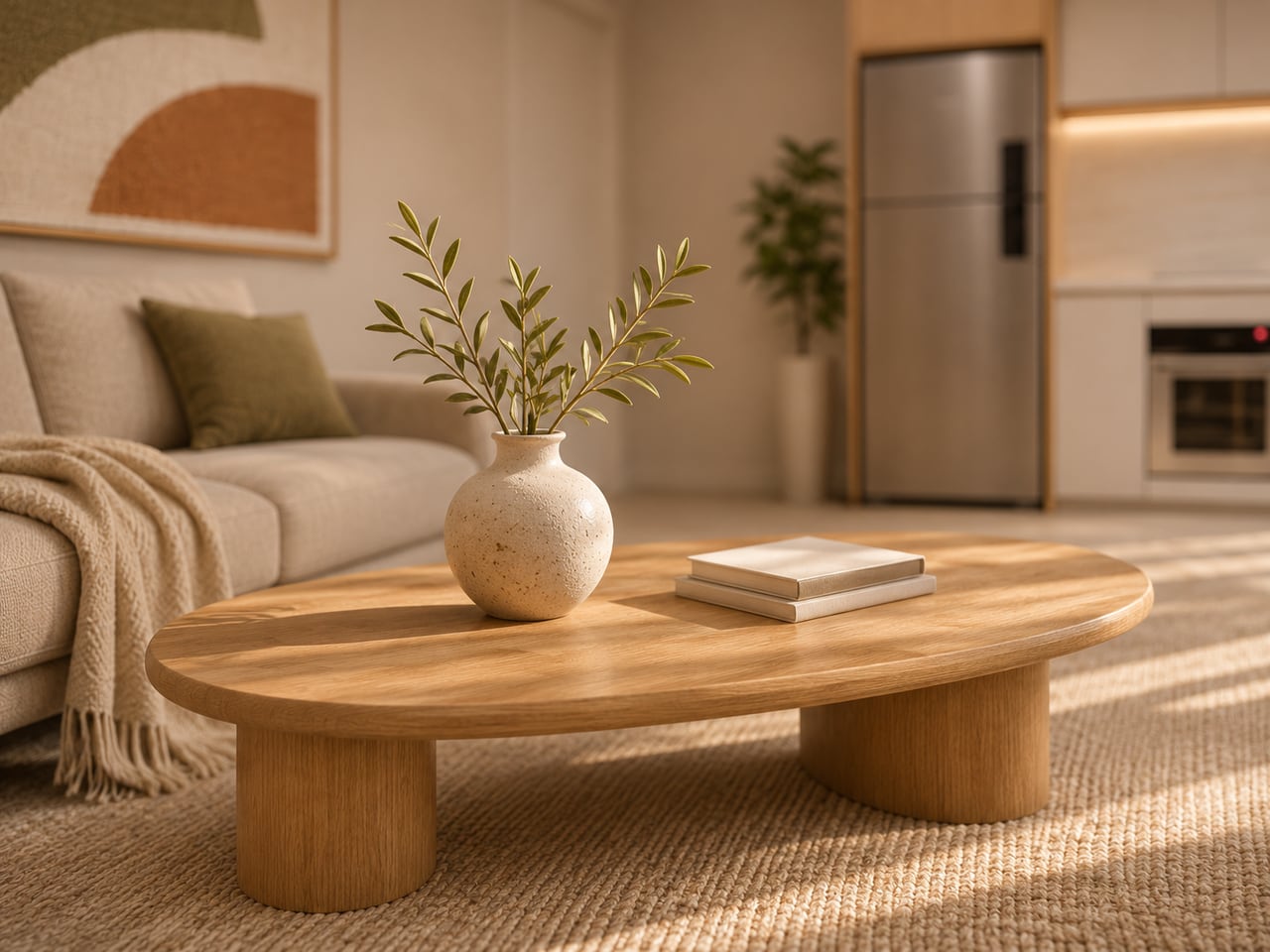
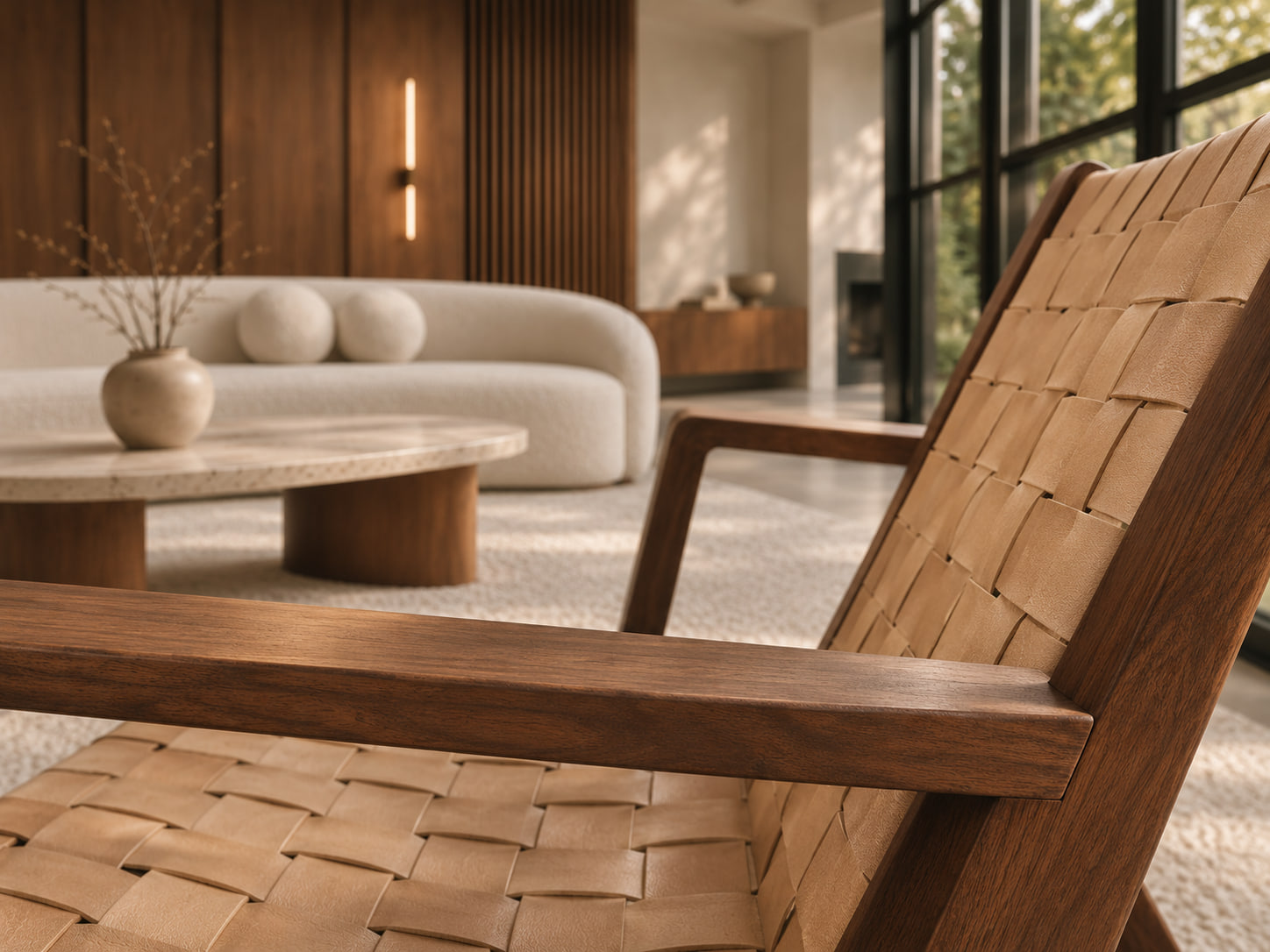
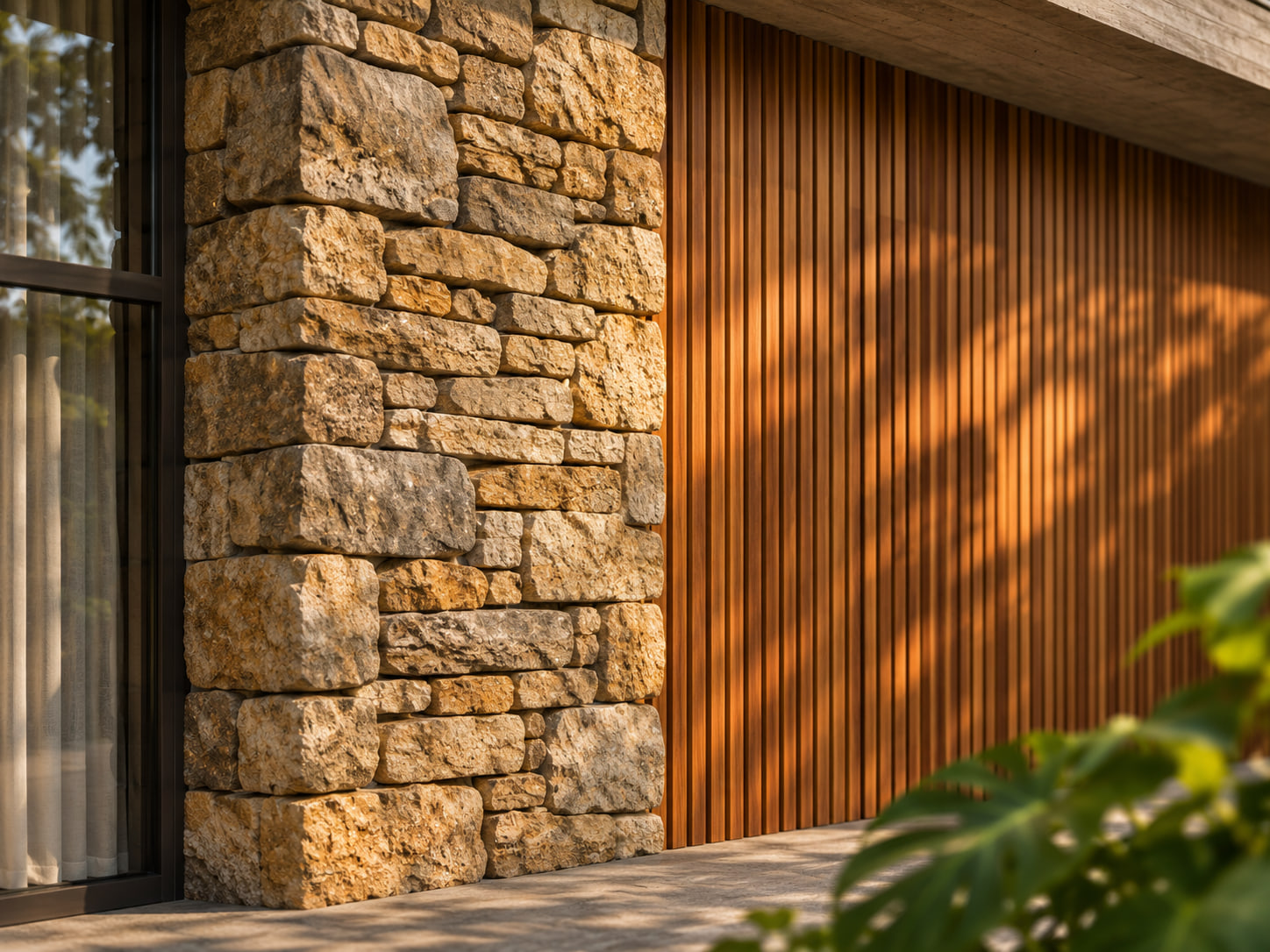
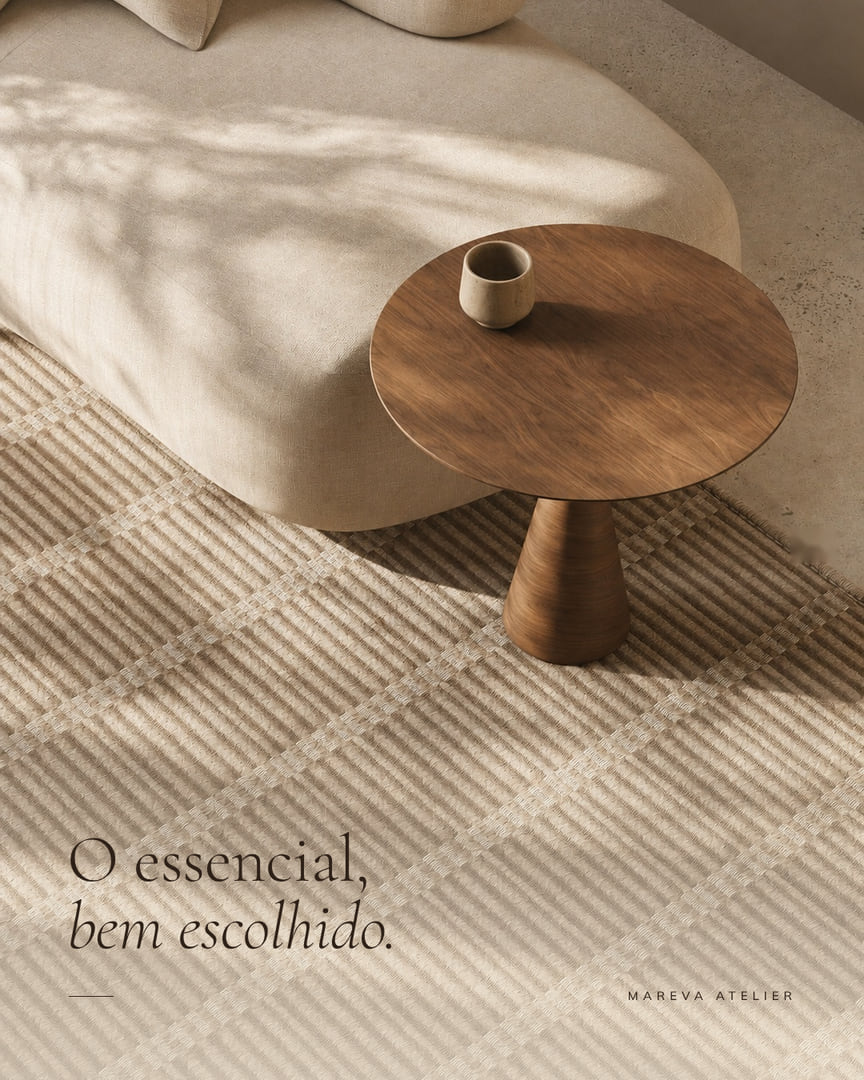
In the feed, the image that shows everything gets scrolled past. The one that shows a corner, with light and texture, makes people stop.
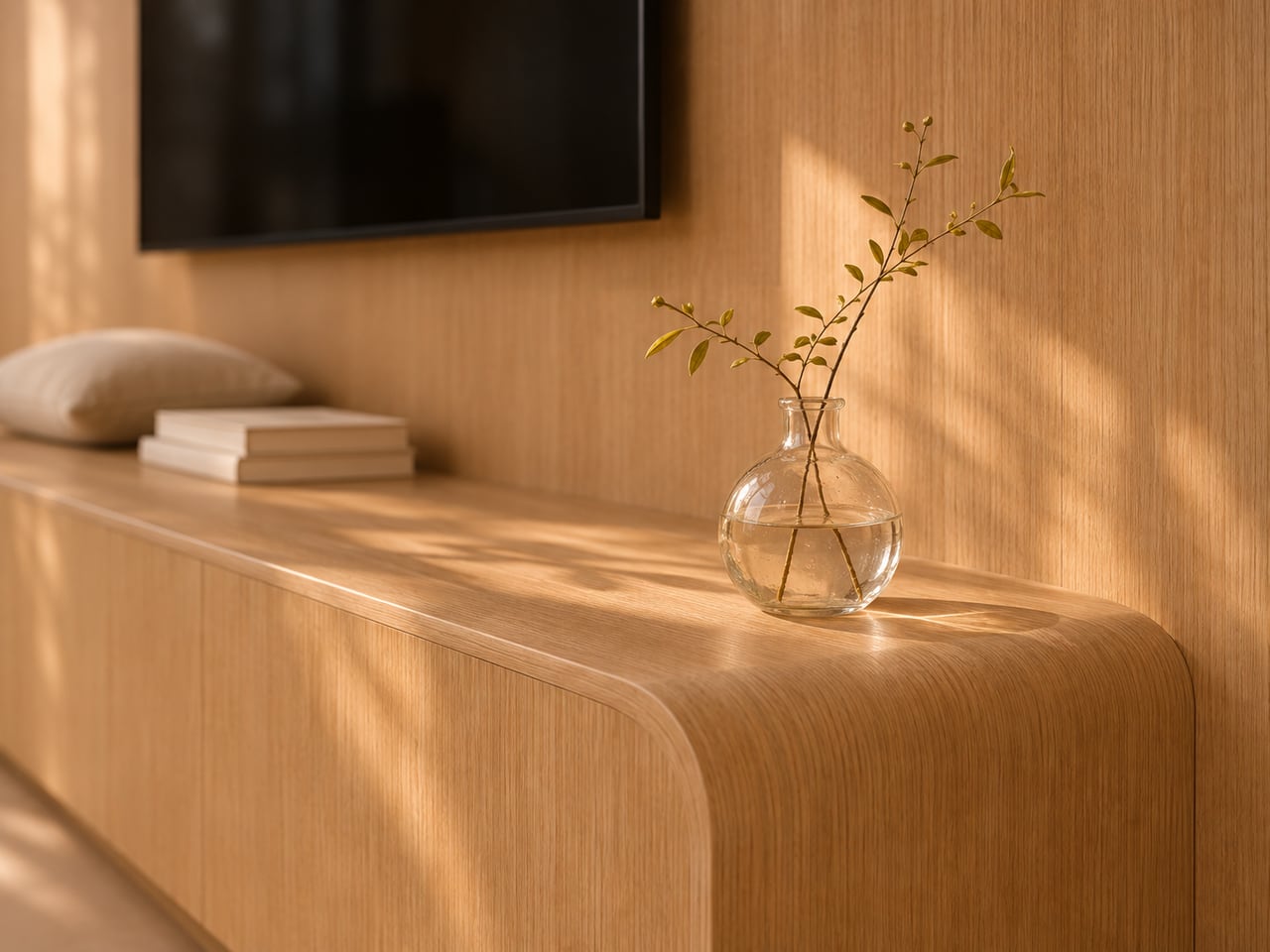
Creating new images of a property for sale calls for one simple rule: nothing made up.
A tool that creates new scenes from a render or a photo. You upload the image of the space and ask, as you would ask a photographer, for other scenes of the same place: a detail, another angle, another light or another decor. No need to know how to write prompts.
Yes. Olie Frame does not make anything up: it creates only with what your image shows and keeps the architecture, finishes, furniture and colors. What changes is the framing, the light or, if you ask, the decor.
Yes. It can be the render of the project, a photo of the show apartment, the finished unit or a room set up in a store. It works best with interiors and common areas: living room, kitchen, bedroom, balcony, amenities, pool, lobby. The larger and sharper the image you upload, the better the result.
Yes, as long as everything in the scene is in your image: the chair seen from behind, the side wall, the countertop at the back. To show a side of the space your image does not show, save another image of that side.
Yes. The images come in 2K, in feed, story or landscape format, ready for posts, carousels, ads and the website. When the image shows a property for sale, it is worth flagging it as illustrative.
Each plan has a number of images per month. Every image created counts. The limit resets the following month.
Create the account and upload your first space.
Get Olie Frame